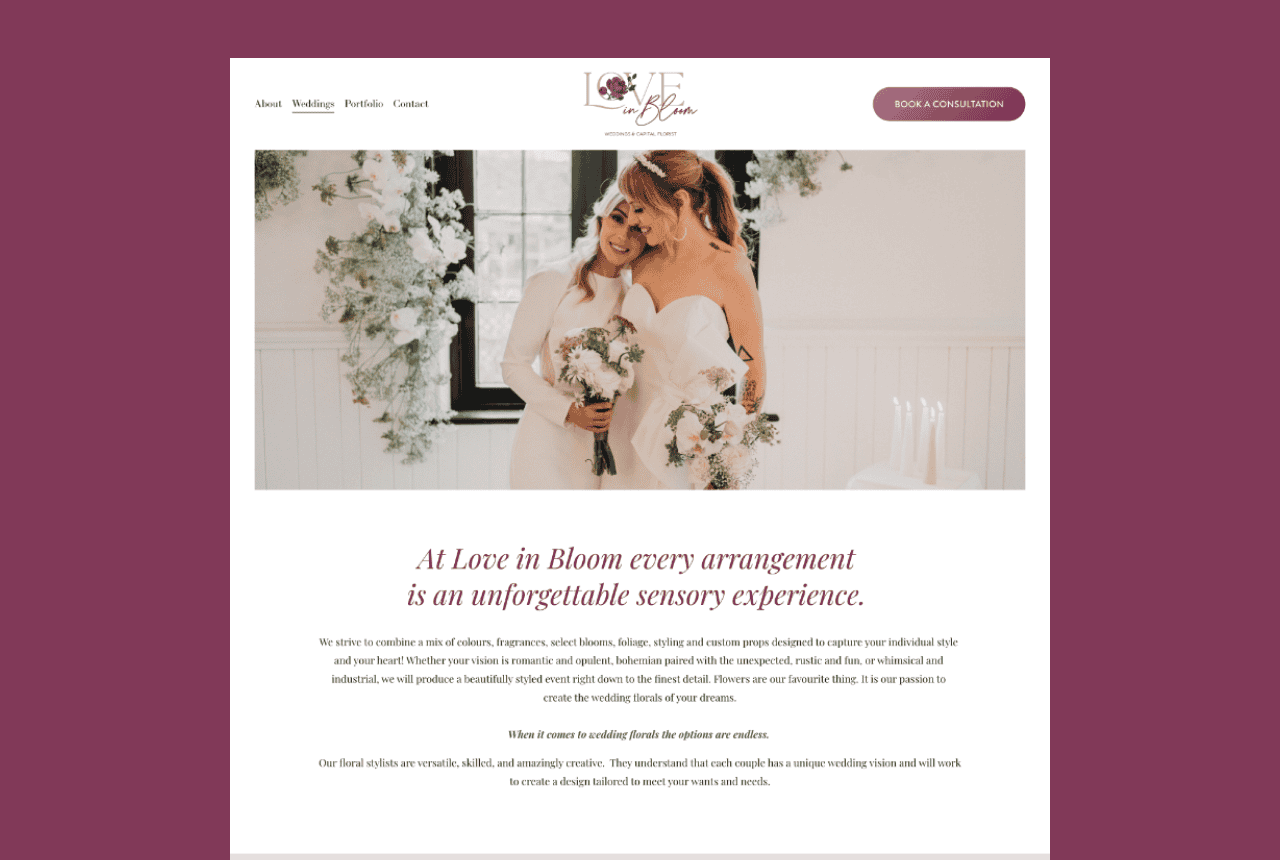
Squarespace is a website builder and hosting platform with hundreds of pre-built templates you can customise for your business.
It looks polished. It’s popular. And if you’ve spent any time deep in Pinterest website inspiration boards, you’ve definitely seen it.
But is Squarespace actually the right platform for your business?
That depends on what your business needs. Let’s get into it, properly.
The Benefits of Squarespace
Pricing That Won’t Make You Wince
Squarespace isn’t the cheapest website builder on the market. We’re not going to pretend it is.
But for what you get, which is a genuinely attractive website without a designer’s hourly rate attached, it’s reasonable. There’s also a risk-free 14-day trial so you can explore the platform before committing to a plan.
Try it, like it, then pay for it. Straightforward.

Built for People Who Are Not Web Designers
Here’s what Squarespace does well: it was genuinely designed for business owners who don’t want to learn how to code.
With hundreds of customisable templates and an editor that makes sense on first use, it’s one of the more intuitive website builders available. You adjust. You preview. You publish.
For a standard business website, no coding required. Not even a little.
Low Maintenance by Design
If you’ve ever run a WordPress website on your own, you’re familiar with the particular experience of logging in and being greeted by a wall of plugin update notifications, a theme conflict, and a vague security warning.
Squarespace handles hosting, updates, and security behind the scenes. You don’t touch it. You don’t think about it.
For small business owners who’d rather spend time on actual business, that’s not a small thing.
The Limitations of Squarespace
Here’s where we get honest. Because a platform that looks perfect on the surface usually has some caveats worth knowing before you commit.

Not as Customizable as It Might Seem
Squarespace gives you hundreds of templates. They are beautiful. They are user-friendly.
But if your vision lives beyond those templates, things get more complicated. Custom layouts, unique styling choices, anything outside of what Squarespace has pre-built, that requires code.
So if you’re after something a little different, Squarespace might feel like a fixed menu when you wanted to order off-book.
Some Standard Features Require Custom Code
This one catches people off guard.
Want a “back to top” button? A custom cookie banner? Meaningful control over how your forms behave? On Squarespace, those are custom code jobs.
These aren’t unusual requests. On other platforms, they’re built-in. On Squarespace, they’re a late-night Google rabbit hole.
If you’re hiring a web developer, it’s a non-issue. If you’re planning to DIY your site long-term, it’s worth knowing now rather than at 11pm before a launch.
Not the Best Platform for SEO (And Here’s What to Use Instead)
If organic search traffic is part of how your business gets found, this is the limitation that matters most.
Squarespace isn’t the most search-engine-friendly platform. Technical SEO elements like site speed optimisation, granular meta data control, schema markup, and URL structure flexibility are all limited compared to more SEO-focused platforms. You can cover the basics. But “the basics” may not be enough if ranking on Google is a meaningful part of your growth strategy.
The result? Competitors on better-optimised platforms can sit above you in search results while your beautifully designed Squarespace site quietly collects digital dust.
So what should you use if SEO matters to your business?
WordPress.
WordPress powers roughly 43% of the entire internet, and there’s a reason for that. It was built with search engines in mind. With plugins like Rank Math or Yoast SEO, you get full control over your technical SEO settings, schema markup, canonical URLs, and internal link architecture, the things that actually move the needle in search rankings. Load times are faster when set up correctly, and you can optimise practically every element of every page.
WordPress gives you the kind of SEO foundation that Squarespace simply can’t match.
Now, here’s the part people worry about.
WordPress has a reputation for being more hands-on than Squarespace. And that’s fair. It does require regular maintenance, plugin updates, security monitoring, theme compatibility checks, to stay running smoothly and securely.
But that doesn’t mean you have to do it.
Go With Flo offers WordPress maintenance for busy entrepreneurs so your site stays updated, secure, and working properly without you having to think about it. All the SEO power of WordPress, none of the 11pm plugin panic.
If you want a WordPress site built properly from the start, with clean code, a conversion-focused design, and an SEO-ready foundation, Go With Flo’s web design and development services are a good place to start.
So, Who Should Actually Use Squarespace?
Not sure yet? Here’s the short version.
Squarespace is the right fit if…
You’re a photographer, artist, wedding professional, or creative professional who needs a stunning portfolio site without a large budget or a web developer on call. Squarespace genuinely excels here.
You want to start a blog as a hobby or to complement your existing audience, and organic search rankings aren’t your primary growth channel.
You run a restaurant, café, or service business that needs a clean, attractive site with a menu, hours, and a contact page. Simple, effective, done.
Squarespace is not the right fit if you want…
A membership website with gated content, community features, or tiered access. Squarespace isn’t built for that level of complexity.
A multi-language website to make your content accessible to non-English-speaking audiences. The multilingual functionality is limited and clunky.
A site built primarily for e-commerce. If selling products online is your main business model, there are platforms built specifically for that, and they do it better.
A website that ranks well in search results and drives consistent organic traffic. For this, WordPress is the stronger long-term choice.

Still Not Sure Which Platform Is Right for You?
If you’re weighing up your options, this post on website platforms for small business breaks down the landscape a bit further. And if you’ve already decided WordPress is the direction, here’s a helpful guide on choosing a host for your WordPress website to get you started on the right foot.
Ready to Build? Here’s Where Go With Flo Comes In.
If Squarespace is the right fit, Go With Flo is a Squarespace Circle Member, which means working with us gets you an extended trial period and 20% off annual website and online store subscriptions. You get a beautiful, professionally designed Squarespace site without worrying about the limitations of doing it yourself.
If WordPress is the better fit for your SEO goals, Go With Flo builds clean, conversion-focused WordPress websites for service-based business owners, plus ongoing maintenance so your site stays secure and up-to-date without touching your to-do list.
Either way, you don’t have to figure it out alone.