Your website plays a key role in helping potential clients discover your business and see what you offer. But if it’s outdated or does not provide a great user experience, you might lose their interest fast. No need to stress, though—here are 4 easy ways to refresh your site with free and premium tools that work across platforms like WordPress, Squarespace, Showit, Shopify, and Wix.
WEBSITE SPEED
Website speed is crucial to a good user experience, and this is especially annoying for eCommerce websites.
A slow website can cause potential clients to leave quickly, as waiting can get annoying to users because we’ve come to expect speed. Moreover, having a fast website also makes your business look reliable and professional. If you want your potential clients to spend more time on your website or to visit it again, keeping your website speed updated is essential!
Recommended Tools:
Free Resources:
- Google PageSpeed Insights: Test your website’s speed and get suggestions for all platforms.
- GTmetrix: Analyze your website’s speed and receive optimization tips, suitable for any website platform.
Premium Resources:
- For WordPress: WP Rocket – a premium caching plugin.
- For Shopify: Shopify Speed Optimization Apps like PageSpeed Monitor.
- For Squarespace, Showit, and Wix, Use the platform’s built-in speed optimization tools or consult a professional service.
UPGRADE YOUR BRANDING
If your website’s colours, fonts, or photos are inconsistent or outdated, it might be time for a branding refresh. Developing and implementing branding guidelines across your site will give it a cohesive, professional look, regardless of the platform.
Free Resources:
- Canva: A free design tool to create consistent branding elements for all platforms.
- Coolors: A free tool to generate cohesive colour palettes for your website.
Premium Resources:
- For advanced design needs for WordPress, Squarespace, Showit, Shopify, and Wix: Adobe Creative Cloud.
- Connect with Krista from Wishtree Design to get your custom brand design.
START A BLOG
If you already have a website, a blog is a great way to upgrade it. Creating a blog will boost search engine rankings, build relationships with potential clients, and give your business credibility and authority.
IMPROVE WEBSITE NAVIGATION
Having a website that is easy to navigate will make users more likely to look through more of your pages and keep them on your website longer. It will allow users to access the information they need quickly and will provide your users with a better experience on your website overall.
Free Resources:
- Slickplan: Plan website navigation and structure for any platform.
- WAVE: Evaluate your site’s accessibility and usability, ensuring smooth navigation.
Premium Resources:
- Hotjar: Offers heatmaps and session recordings to help you see how users interact with your site and where navigation improvements are needed.
- Sitemaps.com: A premium tool for generating custom sitemaps and improving navigation and SEO.
UPGRADING YOUR EXISTING BUSINESS WEBSITE IS A GREAT OPTION
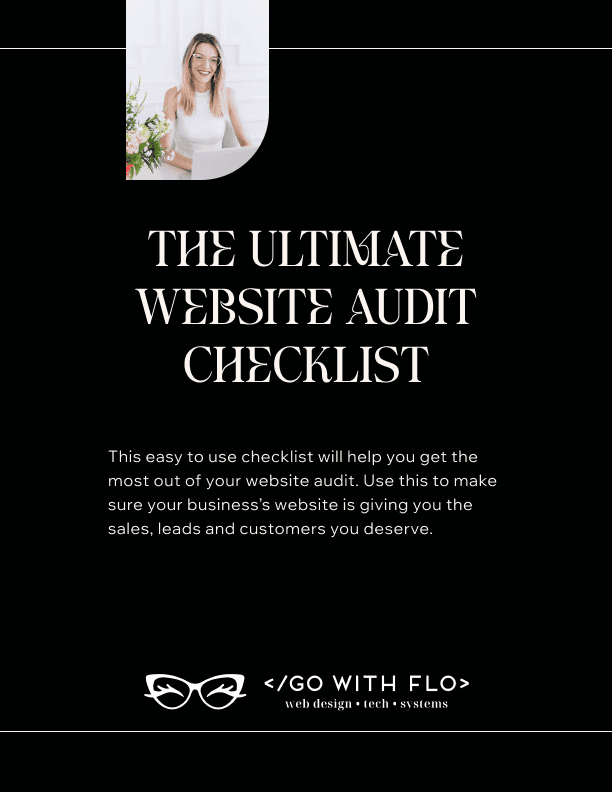
If you’re looking for a more in-depth look at upgrading your business’s website, get your copy of my FREE Website Audit Checklist.
Ready to upgrade your website? I’m here to help! Go with Flo has designed 100+ websites for businesses in the past 11 years, and I’d love to help you.