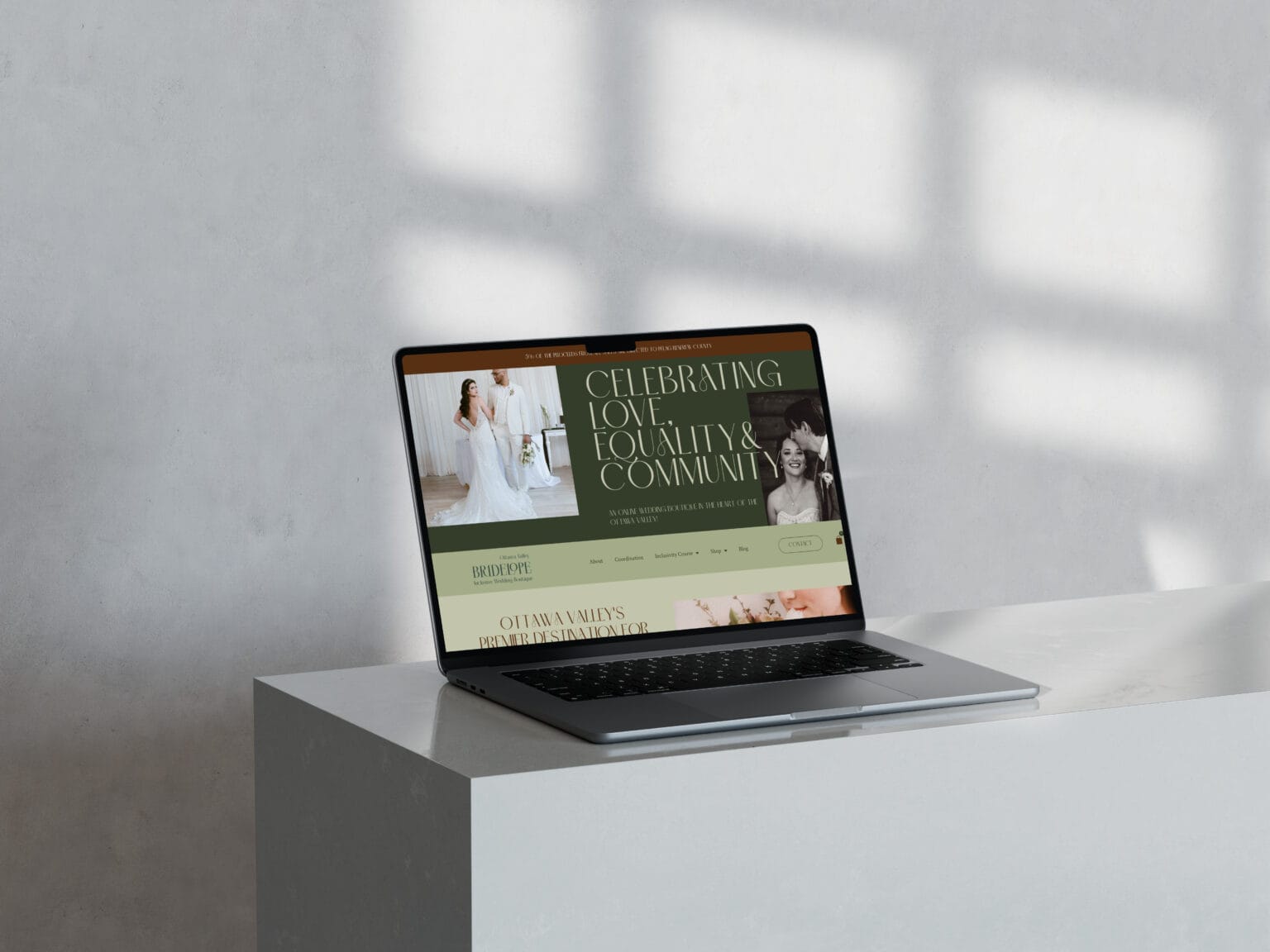
A website refresh improves what already exists: clearer copy, better CTAs, updated pages, performance fixes, and visual tightening, without rebuilding your whole site from the ground up. A website redesign is a structural rebuild: new layout system, new page strategy, often new architecture, and usually a bigger shift in messaging and user flow.
If you’re stuck deciding, we’re not going to guess based on vibes. Let’s choose based on what your website is actually doing right now: lead quality, clarity, usability, and whether the site can support where your business is headed next.
Key takeaways section
- A refresh fixes leaks. A redesign fixes foundations. If the structure is sound but performance is off, you may not need a rebuild.
- Lead quality is the best signal. “More traffic” is not the goal if you’re attracting the wrong people.
- Most service businesses should refresh before they redesign unless there’s a structural problem (architecture, UX, platform setup, or major positioning shift).
- WordPress can handle either option well as long as the build is clean, fast, and maintainable.
- Premium websites don’t try to please everyone. The right copy + structure filters out bad-fit inquiries.
The simplest difference: what you’re changing (cosmetic, strategic, or structural)
A refresh is typically a mix of cosmetic and strategic improvements: tightening your homepage message, clarifying services, fixing navigation labels, updating imagery, improving mobile layout, speeding up pages, and cleaning up the user path to contact.
A redesign changes the underlying system: new templates, rebuilt layout rules, often new page structure, and a fuller rethink of how someone moves through your site.
If your site could convert well with cleaner messaging and better flow, a refresh is usually the smarter first move.
Signs you need a website refresh (not a full redesign)
A refresh is usually enough when your site still has a solid backbone, but it’s underperforming because it hasn’t been maintained or refined.
Common refresh signals include: your brand has matured but your visuals are dated, your services have changed and your copy hasn’t caught up, you’re getting inquiries but they’re inconsistent, your CTAs are unclear or missing, your site is slow because images are heavy, and your mobile layout feels “meh.”
This is the zone where small, intentional changes can create big relief in your week, without opening the can of worms that is a full rebuild.
Signs you need a full redesign (sometimes a refresh won’t fix the real problem)
Sometimes the issue isn’t polish, it’s structure.
A redesign is usually the right call if: your site architecture is confusing (people can’t find services fast), your layout system is inconsistent or broken on mobile, your website is held together by random sections and patchwork plugins, your navigation doesn’t match how clients decide, you’ve made a big positioning shift (new audience, new offer model), or your site feels impossible to update without breaking something.
Another big one: if your website is attracting the wrong clients because the messaging is fundamentally misaligned, you may need more than a refresh. You may need a rebuild of the way the site communicates your work.
The “lead quality” test (the one most people skip)
Let’s use the most honest metric: are you getting inquiries you actually want?
A website can “work” and still be a problem if it attracts bargain hunters, unclear-fit prospects, or people who didn’t understand what you do. If you’re constantly re-explaining your services, repeating boundaries, or fielding weird mismatched inquiries, your site isn’t filtering.
A refresh can often fix this if the structure is sound: stronger homepage positioning, clearer service page hierarchy, better proof placement, and calmer CTAs. If the entire site is built around the wrong message, a redesign is more likely.
The decision framework: refresh vs redesign in 10 minutes
Here’s a quick way to decide without spiraling:
If your pages are mostly “fine” but the message is fuzzy, the CTAs are weak, and the experience feels dated, we refresh. If your site structure is confusing, your mobile experience is broken, your templates are inconsistent, or your site is hard to maintain, we redesign.
If you’ve changed your audience or offers significantly, redesign is often worth it because your website is no longer aligned with your business. If you haven’t changed your business much but your site performance slipped, refresh first.GIF callout: Add a short GIF of a simple decision tree (Refresh → optimize / Redesign → rebuild). Alt text: “Decision tree showing when to choose a website refresh vs a full redesign.”
What a high-impact refresh usually includes (so you know what you’re paying for)
A real refresh isn’t “change the fonts and call it a day.” It typically includes: homepage message tightening, service page structure cleanup, better internal linking between key pages, CTA consistency, proof placement (testimonials/portfolio), mobile spacing fixes, image optimization for speed, and light SEO cleanup (titles, meta descriptions, headings).
If you want the practical version of this, read: How to Optimize Your Website Without a Full Redesign: A Practical Guide for Service-Based Businesses. It’s the “let’s do the smart stuff first” approach.
What a redesign usually includes (and why it’s more than a new homepage)
A redesign often covers: updated page strategy, new layout system, new templates, improved UX flow, better mobile-first design, performance improvements, accessibility basics, and a more intentional copy structure across the site.
It’s also the moment to fix the stuff that’s been quietly annoying you for years: inconsistent buttons, awkward spacing, hard-to-edit sections, and a website that feels like it’s one plugin update away from a meltdown.
The premium filter: how both options can repel bad-fit leads (if we do it right)
Whether we refresh or redesign, the goal isn’t “more leads at any cost.” The goal is better-fit inquiries.
That happens when your website is specific about who you help, clear about what you do, confident about process and boundaries, and structured so the right people can find what they need quickly. Premium clients love clarity. Bad-fit leads hate it. Beautiful.
If you’re preparing for a web project and want the smoothest possible experience, this is a good companion read: What to Have Ready Before Hiring a Web Designer.
FAQ
What’s the difference between a website redesign and a website refresh?
A refresh improves your existing site (copy, CTAs, speed, mobile layout, small design upgrades). A redesign rebuilds the site structure and layout system more completely.
How often should a service business redesign its website?
There’s no perfect schedule, but many established service businesses benefit from a major redesign when their positioning changes, the site becomes hard to maintain, or the UX no longer matches modern expectations.
Can I refresh my WordPress site without rebuilding everything?
Yes. Many WordPress sites respond really well to a strategic refresh: clearer messaging, improved services pages, better internal links, faster images, and mobile-first tweaks.
How do I know if I’m attracting the wrong leads because of my website?
If people consistently misunderstand your services, ask for things you don’t offer, or only want the cheapest option, your website likely needs stronger positioning, clearer boundaries, and a better service-page structure.
Will a redesign automatically improve SEO?
Not automatically. SEO improves when the redesign includes proper technical setup (titles, meta descriptions, headings, internal links), fast performance, and clear page intent.
If you want a website that’s clear, fast, and built to attract better-fit inquiries, start here: Web Design & Development.
If you want to see examples of finished builds and design style, visit the Portfolio. When you’re ready to talk through whether your site needs a refresh or a redesign, use the Contact page.
Want more practical website strategy posts? Browse the Blog.
By Tara-Lynn | GoWithFlo | WordPress Web Designer