Before hiring a web designer or tech systems pro, you do not need a perfect plan, but you do need a few basics ready: clear website goals, simple brand details, a list of your services, a rough budget and timeline, and the tools you already use. When you prepare those pieces, your first conversation is calmer, clearer, and far more productive.
If you’re feeling both excited and a bit overwhelmed right now, you’re in the right place. You’ve already done the hard work of building your business, this next step is about capturing that online without it taking over your life.
This guide walks you step-by-step through what to prepare before hiring a web designer or hiring a tech systems pro, whether you’re building your first site, redesigning an existing one, or setting up a CRM, booking system, or client portal.
“Before hiring a web designer or tech systems pro, you’ll want to have six things ready: a clear idea of your website goals, your brand assets (logo, colours, and fonts), a list of your services and how you describe them, examples of websites you like and why, a realistic sense of your budget and timeline, and any existing tools or systems you want to keep or integrate. Having these ready helps your project start on the right foot, and keeps the process calm rather than chaotic.”
- Your Website Goals
- Your Brand Assets
- Your Services and How You Describe Them
- Website Examples You Like (and Don’t Like)
- Your Budget and Timeline
- Your Existing Tools and Systems
- Bonus: What Not to Stress About
- FAQs About Hiring a Web Designer or Tech Systems Pro
1. A Clear Idea of What You Want Your Website to Do
Before anything else, the most useful thing you can bring to a discovery call is a simple answer to this question: what do you want your website to actually do?
“Look pretty” is not enough on its own. Your web designer needs to understand your website goals, the specific actions you want visitors to take and the outcomes you want for your business.
For example, depending on your niche:
- Therapists and counsellors: You might need online booking, a clear intake process, a resources page, and HIPAA-compliant contact forms that keep client information private.
- Wedding vendors: You might need a portfolio gallery, an enquiry form that captures key details, and a blog or guide that educates couples on your process.
- Coaches and consultants: You might need a programme landing page, email list sign-up, payment integration, and possibly a simple client portal for resources.
- Healthcare professionals: You might need clear service pages, referral information, intake forms, and links to booking or clinic systems you already use.
- Creatives and studios: You might need visual galleries, case studies, and a simple enquiry pathway that filters for the right-fit projects.
The difference between a goal and a wish matters. “I want more clients” is a wish. A goal sounds more like: “I want my website to capture enquiries from therapists in Ottawa who are searching for support,” or “I want couples to understand my wedding planning process before they contact me.”
When you’re clear on these goals, it becomes much easier for your designer, and for you, to decide what belongs on the site and what doesn’t. It also makes the whole website planning checklist feel less abstract and more grounded in your real work.
How to Write Down Your Website Goals Before the Call
This part of your discovery call preparation can be very simple. Take 10–15 minutes and write 3–5 sentences using this prompt:
- “I want my website to help me [action] so that [outcome].”
Here are a few examples to get you started:
- “I want my website to help me filter enquiries so that I’m only booking couples whose budget and style fit my services.”
- “I want my website to help clients book consultations online so that I spend less time emailing back and forth.”
- “I want my website to help educate new therapy clients about my approach so that first sessions feel calmer for both of us.”
The more specific you are, the more tailored and efficient the build will be. If you’d like help teasing out those goals, that’s exactly the kind of thing we unpack in our web design & development projects.
2. Your Brand Assets (Logo, Colours, and Fonts)
Brand assets are the visual building blocks your designer uses to make your website look like you, and they need them early.
When we talk about brand assets for website projects, we mean:
- Logo files: Your main logo, plus any alternate versions or icon marks you use.
- Brand colour codes: Hex codes (the six-character codes like #F4A261 that represent a specific colour) and any notes about how you use them.
- Fonts: The names of the fonts you use in your logo, headings, and body text. If they’re from Google Fonts or Adobe Fonts, that’s helpful to know.
- Brand guidelines: Any document that outlines your colours, logo use, tone of voice, or photography style, even a simple one-pager counts.
- Professional email: For example, a Google Workspace-based email like hello@yourdomain.com helps your designer see that your brand identity is consistent beyond just the visuals.
File formats matter more than most people realize. For logos, a solid web designer checklist should include:
- A high-quality .PNG with a transparent background, so it looks clean on different coloured sections.
- Ideally, an .SVG file, which is a vector format (meaning it stays sharp at any size, on any screen).
Low-resolution JPEGs pulled from old brochures or saved from screenshots are hard to work with and often look blurry on modern screens.
What to Do If You Don’t Have Brand Assets Yet
If you don’t have formal brand assets yet, that is very common, especially for newer or evolving service-based businesses. It is not a reason to delay reaching out.
Here’s what helps instead:
- Share any colours you already use on social media or in Canva templates.
- Collect a few images or a Pinterest board, an online pinboard where you can save images from across the web, that feels like your brand visually.
- Note any fonts you already gravitate towards in documents or posts.
A semi-custom or template-based approach, like the options in our semi-custom web design service, can be a practical middle ground between “no brand yet” and a full branding package. It’s a way to get a polished, professional result while the bigger brand decisions settle into place.
The important thing is to flag this upfront when you reach out. Not having everything ready is not a dealbreaker, it just shapes how we approach the project together.
3. Your Services, Written Out and Ready to Share
Your web designer needs to understand what you do, who you help, and how you talk about it, before they can build a site that communicates that clearly to your clients.
This is one of the most overlooked parts of discovery call preparation. Many business owners assume the designer will “just write the words,” but even if that’s part of the service, the designer still needs a clear picture of your offers and your voice.
Here’s what to have ready before hiring a web designer:
- A list of your current services: The names, what’s included, and any starting prices you want to display publicly.
- A short bio or about paragraph: Written in your own voice. It does not need to be polished, it just needs to sound like you.
- A description of your ideal client: Who they are, what they’re struggling with, and why they come to you specifically.
For example, a therapist might write: “I work with adults in Ottawa who are feeling burnt out and anxious, often after a major life change. They want a space that feels grounded, not clinical.” That kind of detail helps your designer choose images, layout, and website copywriting approaches that speak to the right people.
What About Copywriting? Do I Need to Write All the Words?
You do not need to arrive with a fully written website. Some web designers include copywriting in their service, some partner with a separate copywriter, and some expect clients to provide content. It varies.
What web designers need from clients at minimum is clarity about the offers, the people they serve, and the way they like to speak. Even when someone else drafts the final words, that raw input always comes from you.
In our web design & development process, we walk through all of this with you. You bring the expertise; we help you translate it into a structure and language your clients can easily navigate.
4. A Short List of Websites You Like, and Why
Sharing websites you like (and ones you don’t) is one of the most efficient ways to get your designer moving in the right direction from day one.
You don’t need a huge list. For this part of your website planning checklist, 3–5 examples are plenty. What matters more than the site itself is why you like it.
When you send links, add a few quick notes, such as:
- “I like how clean and simple the menu is.”
- “I like the warm, conversational tone in the copy.”
- “I like how easy it is to find the services and prices.”
- “I like the soft colour palette and the way the photography feels.”
It’s just as helpful to share sites you don’t like, and why:
- “Too busy and overwhelming to read.”
- “Too much text, hard to skim.”
- “Feels very salesy or aggressive in tone.”
- “The colours are too bold or corporate for my brand.”
This visual brief saves time in revisions and keeps the collaboration focused from the start.
Where to Find Website Inspiration
If you’re not sure where to look, here are a few easy starting points:
- Peers in your field: Not to copy, but to understand what your potential clients already see when they’re looking around.
- Brands in completely different industries: You might love the calm, airy feel of a wellness brand, even if you’re a consultant or coach.
- Design galleries: Behance is a portfolio platform where designers share their work across many industries and styles.
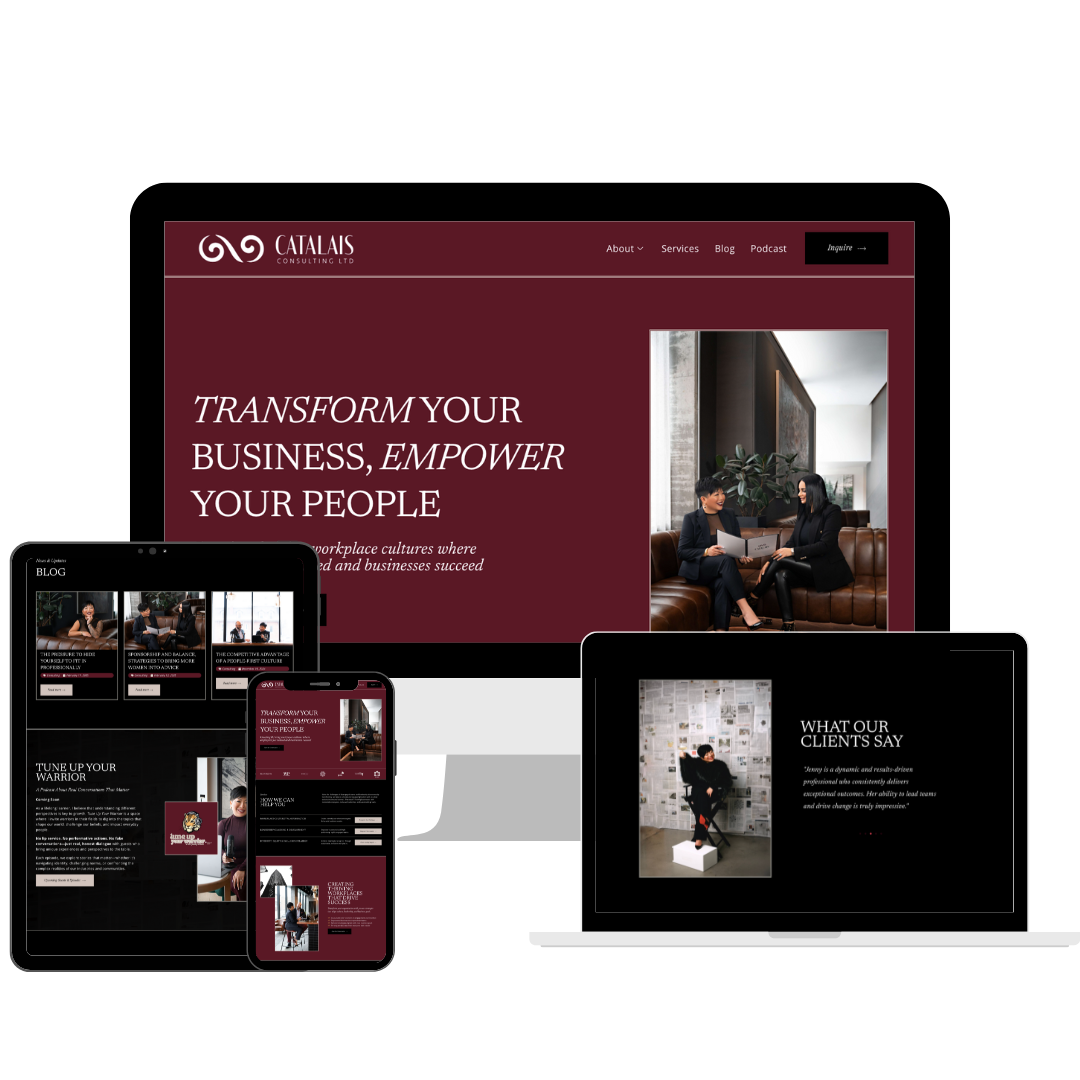
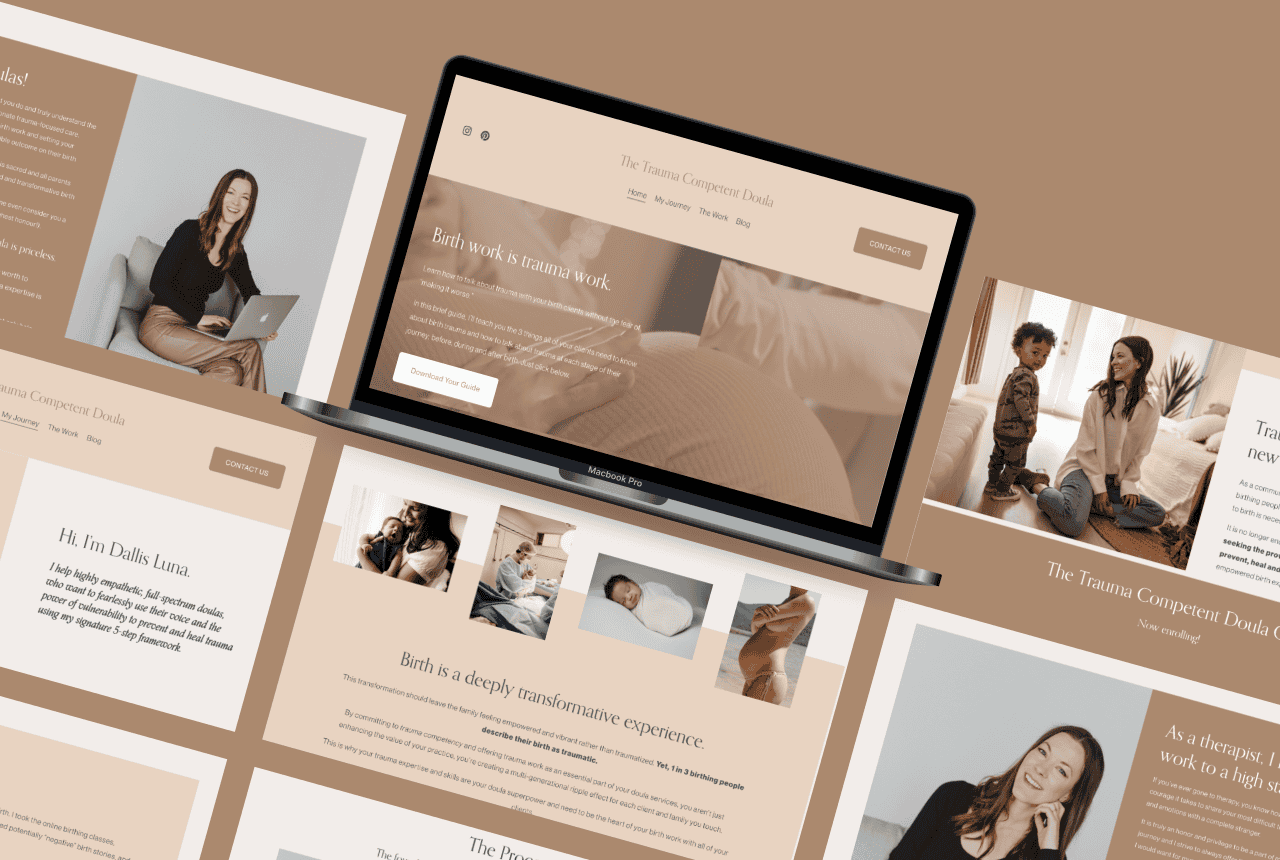
- Our own work: Browse the GoWithFlo portfolio to see real examples of sites built for therapists, coaches, creatives, and other service-based businesses.
Tools like Pinterest make it easy to save and organise what you’re drawn to. A simple board or shared document of links is more than enough, it does not need to be polished before you reach out.
If you’re working through this list and already thinking, “I’d love a hand sorting out what I actually need, that’s exactly what the discovery process is for. You can take a look at our web design & development and WordPress maintenance services, or just reach out and we’ll take it from there.
5. A Realistic Sense of Your Budget and Timeline
Budget and timeline are two things many clients feel uncomfortable discussing upfront, but being clear about both helps your designer recommend the right approach for your actual situation.
Your budget does not need to be a final number. A rough range such as “I’m thinking somewhere between $X and $Y” is enough to start. Here’s why this matters: the same general website idea can be approached in different ways depending on scope and timeline.
- A full custom WordPress website for a service-based business typically takes 6–10 weeks from a signed contract and completed content handoff.
- A semi-custom or template-based build can often be completed in 2–4 weeks, depending on how ready your content and brand assets are.
- A CRM setup or tech systems project varies widely based on whether you’re connecting one or two tools, or rebuilding your entire setup from scratch.
Rushing usually leads to gaps, missing content, skipped testing, or systems that are hard for you to use day to day. A realistic timeline produces a calmer process and a better result for everyone involved.
What If I’m Not Sure What Things Cost?
It’s completely normal not to know what web design “should” cost. Pricing varies based on experience, location, and scope, a solo freelancer, a boutique studio, and a larger agency will all have different structures and packages.
Rather than guessing what a designer wants to hear, be honest about your range and your non-negotiables. That openness helps your designer suggest options that actually fit, whether that’s a phased build, a semi-custom approach, or starting with the most essential pages first.
For a deeper breakdown of what typically affects pricing, our blog post Decoding Website Costs walks through realistic ranges for different kinds of online presence. Our web design & development page also shares what’s included across different service types.
6. A List of Your Existing Tools and Systems
If you’re hiring someone to build or redesign your website, or set up your tech systems, they’ll need to know what you’re already working with, so they can build something that fits rather than something that clashes.
This is your current tech stack, the collection of tools you use to run your business day to day. Here’s what to document before hiring a web designer or hiring a tech systems pro:
- Your website platform and hosting: WordPress (and your specific host), Squarespace, Wix, Showit, or another platform, and who manages it currently.
- Your booking tool: Calendly, Acuity, Jane App, SimplePractice, or any other scheduler.
- Your CRM: A CRM (customer relationship management system) is a tool like HoneyBook, Dubsado, or 17Hats that keeps track of leads, clients, contracts, invoices, and automated workflows.
- Your email marketing platform: Mailchimp, Flodesk, ActiveCampaign, Kit, or another tool you use to send newsletters or automations.
- Your payment processors: Stripe, Square, PayPal, or any others you accept payments through.
- Your active social media platforms: Where you show up and whether those accounts link to your current site.
This list helps your designer understand what needs to integrate with the new site, and what might be retired or simplified. It also shapes what a realistic website planning checklist looks like for your specific business, especially if you’re moving from a scattered collection of tools towards something more connected and manageable.
What If My Tools Are a Mess?
Honestly, this is the most common situation we work with. Many service-based businesses add tools over time, a free scheduling app here, a basic email tool there, and eventually find themselves with a confusing tech stack that doesn’t quite talk to itself.
That is not a problem for the discovery call. It is actually the information your designer or systems pro needs to help you simplify. A rough list of what you currently use, and how you feel about each tool, is genuinely enough to start.
This is also where our CRM setup & optimization and virtual assistant & tech support services come in. The goal isn’t to add more tools, it’s to help you choose and connect the right ones, so your systems support your work rather than adding friction to it.
Bonus: What You Don’t Need to Have Ready Before the Call
Just as useful as knowing what to prepare is knowing what you don’t need, so you’re not delaying the call while waiting for things that can genuinely come later.
You can safely not have any of these sorted before your first conversation:
- A completely written website, your copy can be often drafted or refined as part of the process. All our web design packages come with a copywriting guide to help you ensure you find your brand voice.
- A final domain name, especially common during rebrands, this can be decided mid-project or just before launch.
- A finished logo, if you’re starting fresh, sometimes the design process itself can help clarify what you actually need.
- Certainty about every page on your site, a good discovery call will map this out together.
- A large budget, there are usually options at different price points, or ways to phase the work over time.
The discovery call is a conversation, not a test. Come as you are, with as much as you have, the goal is to figure out what’s next together, not to assess how prepared you are. When you’re ready, you’re very welcome to get in touch and we’ll walk through it step by step.
FAQs About Hiring a Web Designer or Tech Systems Pro
What do I need to prepare before my first web design consultation?
Before your first web design consultation, it helps to have your website goals written down, a list of your services, any existing brand assets (logo, colours, and fonts), and 3–5 example websites you like with a brief note on why. Add a rough idea of your budget and ideal timeline, plus a list of the tools you already use, such as booking systems, CRMs, and email marketing platforms. You do not need finished copy or a final domain name. Having these simple pieces in place makes the conversation more focused and helps your designer recommend the right approach from the start.
What are brand assets and do I need them before hiring a web designer?
Brand assets are the visual ingredients that make your business look consistent across platforms, your logo files, colour codes, fonts, and any brand guidelines or style documents. Having them ready helps your web designer create a site that immediately looks like “you,” rather than a generic template. That said, you don’t need a fully developed brand before hiring a web designer. If you don’t have formal assets yet, share any colours you already use on social media, a Pinterest board of visual inspiration, or fonts you gravitate towards. A good designer can work with what you have and suggest practical next steps.
How much does it cost to hire a web designer for a small business website?
The cost varies widely, but most service-based businesses can expect a thoughtful WordPress website to fall somewhere between a lower four-figure investment for a semi-custom build and a higher four-figure investment for a fully custom project, depending on the number of pages, whether copywriting and strategy are included, and how complex the integrations are. It’s always best to come to the conversation with an honest budget range. For a more detailed breakdown, our blog post Decoding Website Costs explains typical ranges and what factors affect the final investment.
How long does a website build take?
A full custom WordPress website for a small service-based business typically takes 6–10 weeks after the contract is signed and content is provided. A semi-custom or template-based build can often be completed in 2–4 weeks, especially if brand assets and copy are mostly ready from the start. Projects that also include CRM setup, client portal integration, or a more complex tech systems build may take longer to allow for proper planning, testing, and training. The most accurate timeline comes from a conversation about your specific scope, content readiness, and launch date priorities.
What if I’m not sure what platform or tools I need?
If you’re not sure what platform or tools you need, that’s completely fine, helping you figure that out is part of the reason to hire a web designer or tech systems pro in the first place. Start by listing what you currently use and what’s frustrating about it. During your consultation, your designer can recommend a platform (like WordPress), tools for booking, email marketing, and CRM setup, all matched to your budget, your comfort with tech, and your long-term plans. You don’t need to make those decisions before reaching out, you just need to be honest about what you want your systems to help you do day to day.
Can I hire a web designer and a tech systems pro at the same time?
Yes, and for many service-based businesses this is actually the most efficient approach. Your website, CRM, booking system, and email marketing all work together, planning them as one connected ecosystem often leads to a smoother client experience and less ongoing tech stress for you. Some providers, like GoWithFlo, offer both web design & development and tech systems support, including CRM setup & optimisation and virtual assistant & tech support. Whether you work with one person or a small team, the key is clear communication about how all the pieces connect.
You Don’t Need to Have It All Figured Out, Just a Place to Start
None of this needs to be perfect before the call. What matters most is showing up with some clarity about your goals, your services, and the tools you’re working with, and an openness to figuring out the details together. You’ve already done the heavy lifting in building your business. Your website and systems should support that, not add more to your plate.
If you’re ready to talk through what’s next, you’re welcome to get in touch or browse our web design & development services to see what working together could look like for you.